
- New

PrestaShop product comparison with the differences highlighted images

v1.0.1 · updated on 10/20/2026
Validated with the official PrestaShop validator
PrestaShop product comparison with the differences highlighted
Adds a Compare button to product lists and product pages. Your customers pick up to four products and see them in a table, with the differences highlighted.
Free and with no new database tables.
- PS 1.7
- PS 8
- PS 9
- Instant download from My modules
- Updates from your account

Developed and maintained by Kebes, a PrestaShop Expert level 3 agency with more than 15 years developing for PrestaShop.
VEO Product Comparator is a PrestaShop product comparison module. PrestaShop had one up to version 1.6 and removed it in 1.7. This module brings it back for PrestaShop 1.7.7, 8 and 9.
How it works
A "Compare" checkbox appears under the price of each product. When ticked, the product goes to a bar at the bottom of the screen, with its thumbnail. The comparison opens from that bar.
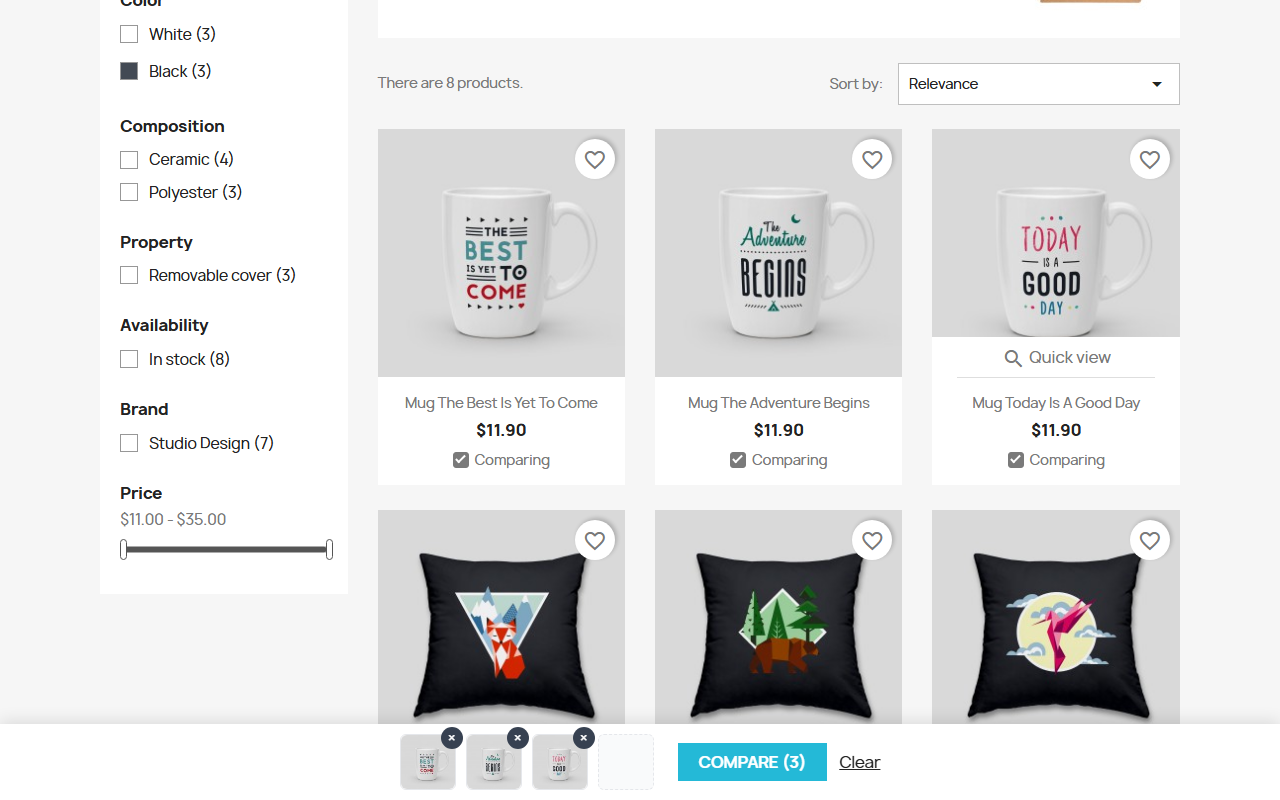
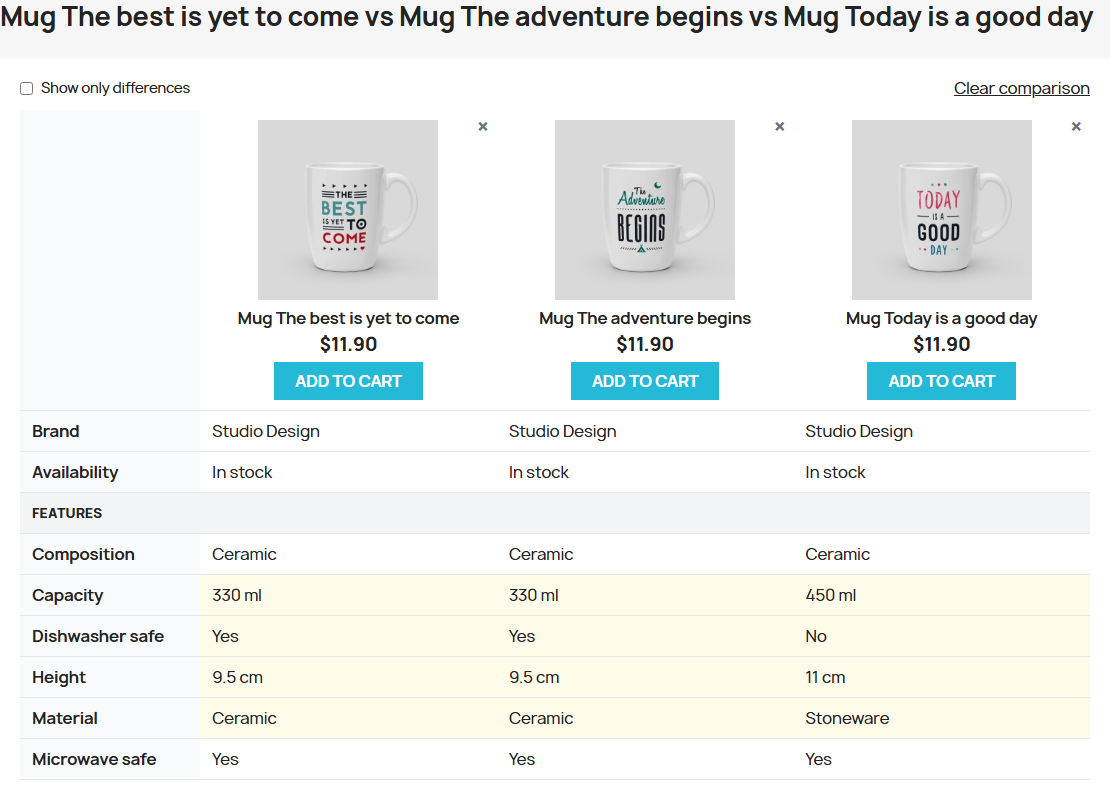
The table
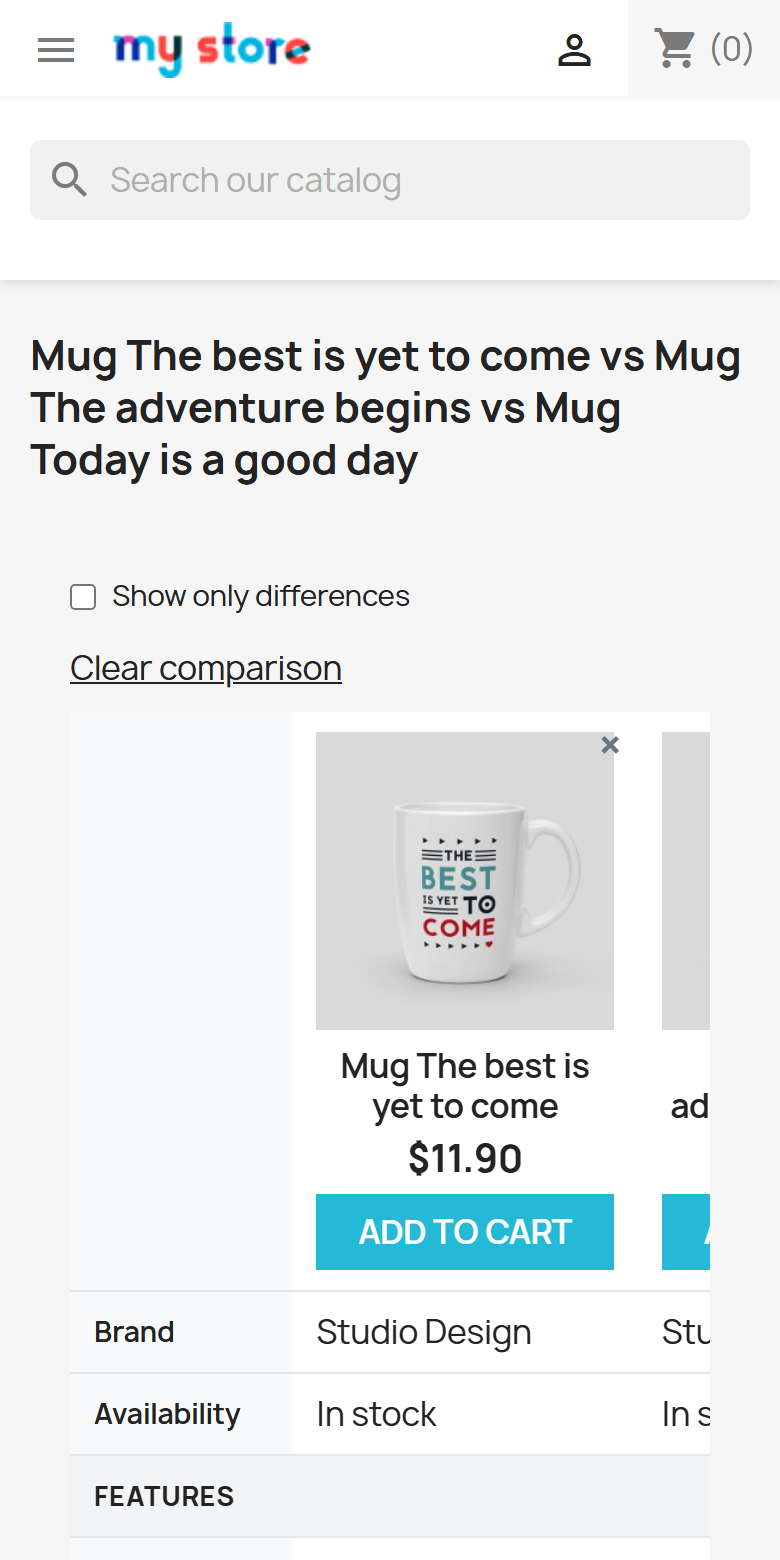
At the top, each product with its image, name, price and add to cart button. Below, brand, availability, reference if you enable it and every product feature. Rows where the products differ are highlighted.
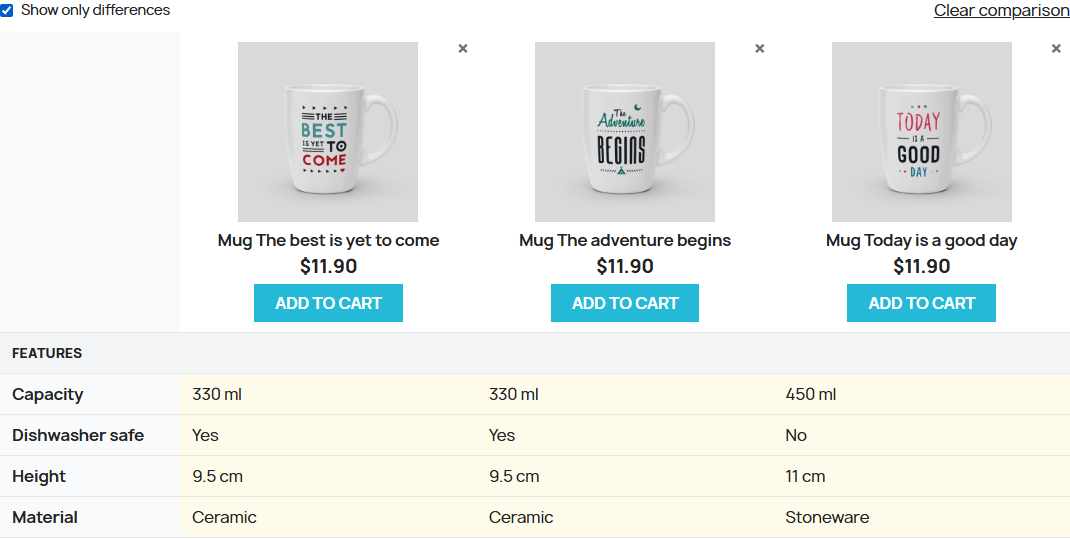
"Show only differences" hides the rows that match. With products that have many features, it is the most used option.
Features
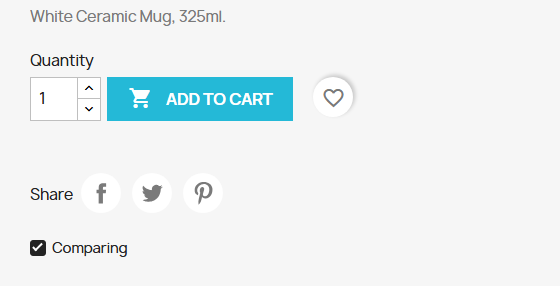
- Button in product lists, including those reloaded by filters, and on the product page.
- From 2 to 4 products. If the customer tries to add one more, they get a notice.
- Option to compare only products from the same category, for shops where mixing makes no sense (fridges and ovens, for example).
- Empty features or "N/A" values are not shown. If a product lacks one, a dash is shown.
- Products with combinations link to the product page instead of being added to the cart directly.
- Each comparison has its own address with the product names, ready to share.
- The selection is stored in the customer's browser: it works with page cache and creates no tables.
- The comparison page is not indexed: every combination of products would be a different URL.
On mobile
The first column stays fixed and the products scroll sideways. The bar leaves the corners free for floating chat or WhatsApp buttons.
Configuration
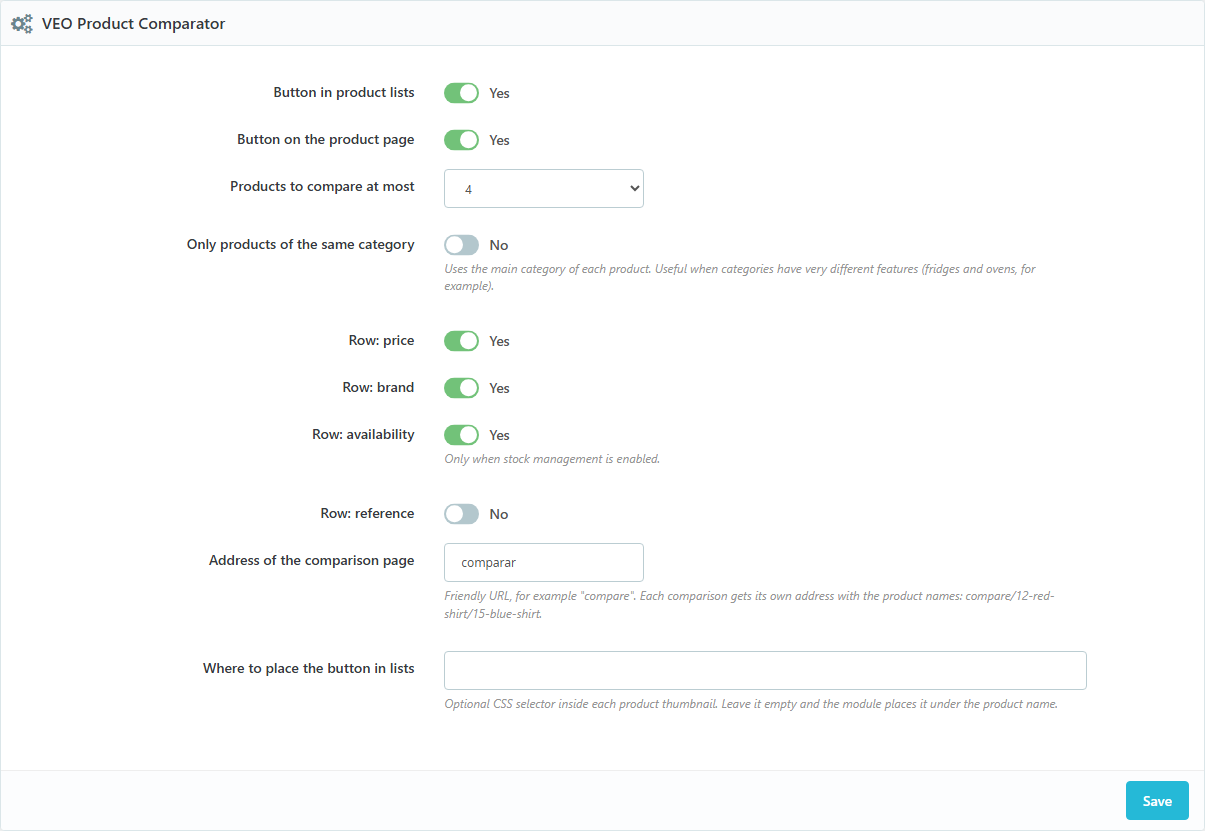
Where the button appears, how many products can be compared, which rows are shown and the page address.
Compatibility
PrestaShop 1.7.7 to 9.2. Tested on 1.7.8.11 with the Classic theme, on 8.2.7 and on 9.2.0 with Hummingbird. No overrides.
Installation
Upload the ZIP from Modules > Module Manager. It works without any setup; the rows come from your product features (Catalog > Attributes & Features > Features).
Frequently asked questions
Where does the table data come from?
From the features you already have on each product. If your products have no features, the table only shows price, brand and availability.
Will the button show up in my theme?
It is placed in the standard PrestaShop thumbnails (.product-miniature), used by Classic, Hummingbird and most themes. If your theme is different, you can set where to place it in the configuration.
Do comparisons show up in Google?
No. The page is noindex so the index is not filled with every possible combination of products.
Changelog
1.0.1 – 2026-10-20
- Template texts are escaped when displayed.
- `.htaccess` in the module folder that stops its PHP files from being opened directly.
- Code reviewed with the official PrestaShop validator (formatting, headers and good practices). No change in how it works.
1.0.0 – 2026-10-18
- Compare button in product lists and on the product page.
- Bar with the selected products and a notice when the limit is reached.
- Comparison table with price, brand, availability, reference and features, differing rows highlighted and an option to show only the differences.
- Own address for each comparison with the product names.
- Option to compare only products from the same category.
Compatibility
| PrestaShop | Module version | Status |
|---|---|---|
| 1.7.7 – 9.2 | 1.0.1 | Compatible |
| 1.7.6 and older | — | Not compatible |
Data sheet
- Versión
- 1.0.1
- Languages
- English, Spanish
- Support languages
- English, Spanish
Will it work in your shop? Ask us before buying
If you need a specific feature, or your PrestaShop version is not listed as tested, tell us. It often works all the same. And if you ask for a feature that improves the module and can help more shops, we add it in a next version at no cost to you. The person who wrote the module answers you.